.png)
The right interactive tool can make a lesson more engaging, help you explain a tricky concept, or give your student a new way to practice what they’re learning. Having plenty of options at your fingertips is great, but keeping track of all those tools and resources can be time-consuming, too.
With each new tool comes time spent preparing it, adding it to your Boards, or, worse, trying to hunt it down mid-lesson. That’s why we’ve launched Quick Search: an easier way to find your favorite tools, resources, apps, and Sparky features while you’re teaching in Pencil Spaces.
Less time digging, more time teaching
When you’re in the middle of a lesson, the last thing you need is to spend time trying to remember where a particular tool lives. Quick Search gives you a faster way to find what you need so that you can get straight back to teaching.
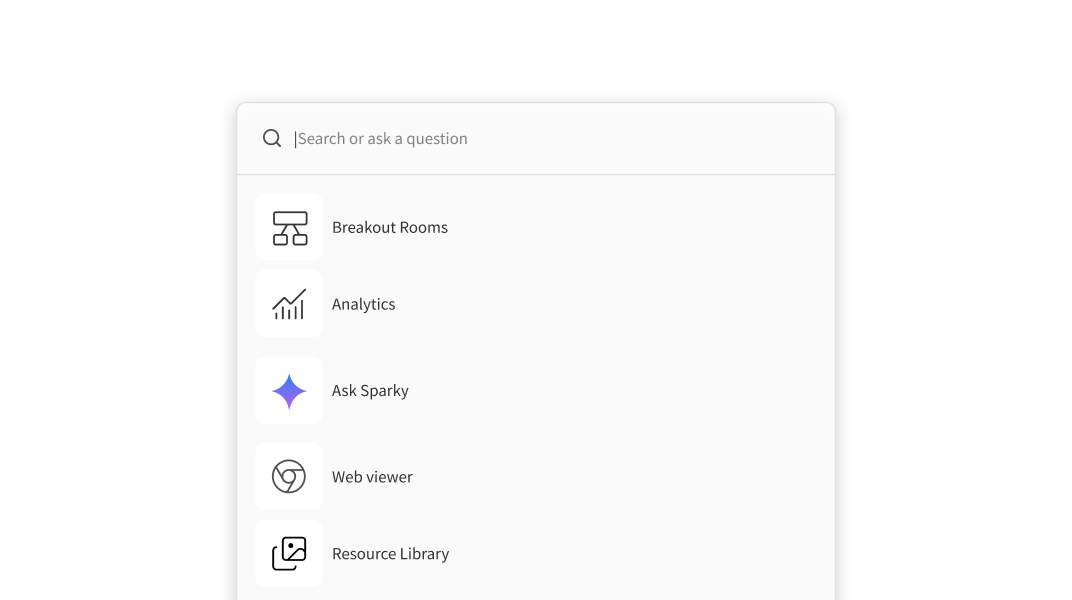
Press Ctrl + K on Windows or ⌘ + K on Mac, or select the Search icon in the top-right corner of your Space. From there, you can search for tools, resources, apps, or Sparky features. Once you find and select the result you’re looking for, Quick Search opens it directly on your Board.
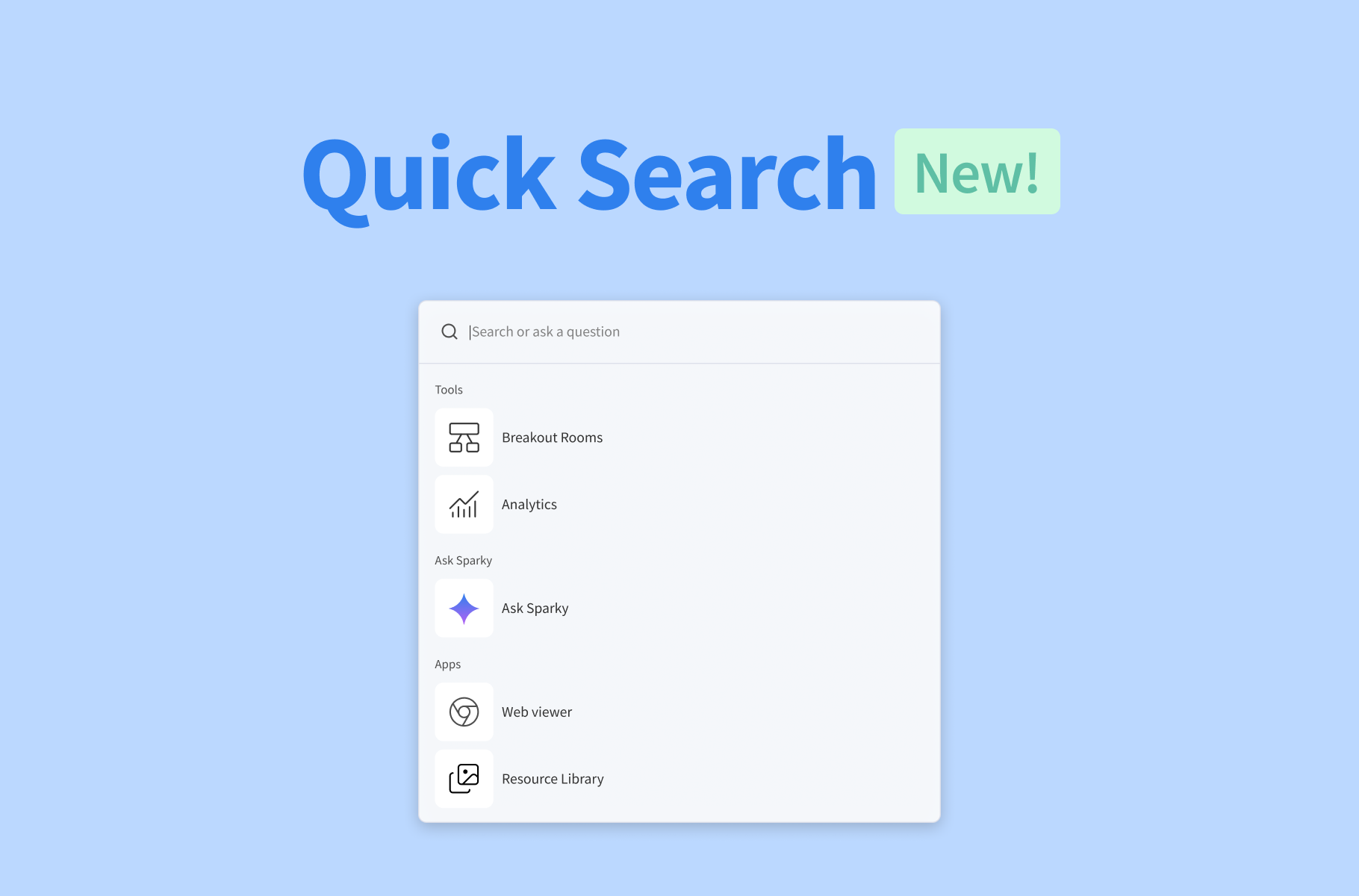
Quick Search brings together:
- Apps and Tools: Find relevant educational features available in your Space.
- Resource Library: Access Pencil’s 10,000+ built-in educational resources.
- Ask Sparky: Ask a question or access available Sparky actions without leaving your Space.
Whether you need to pull up a resource you forgot to add beforehand or quickly open a tool during a lesson, Quick Search means fewer clicks between you and what you need.
Quick Search is available now on all paid Pencil Spaces plans. Try it out today and see what you can find. For more details on how to use it, read our Quick Search guide in the Help Desk.