
There’s always something new to discover in Pencil Spaces. Maybe you’re in need of some ideas on how to make your lessons more interactive, unsure of whether you’re getting the most out of your favourite Pencil features, or simply want to see what’s new.
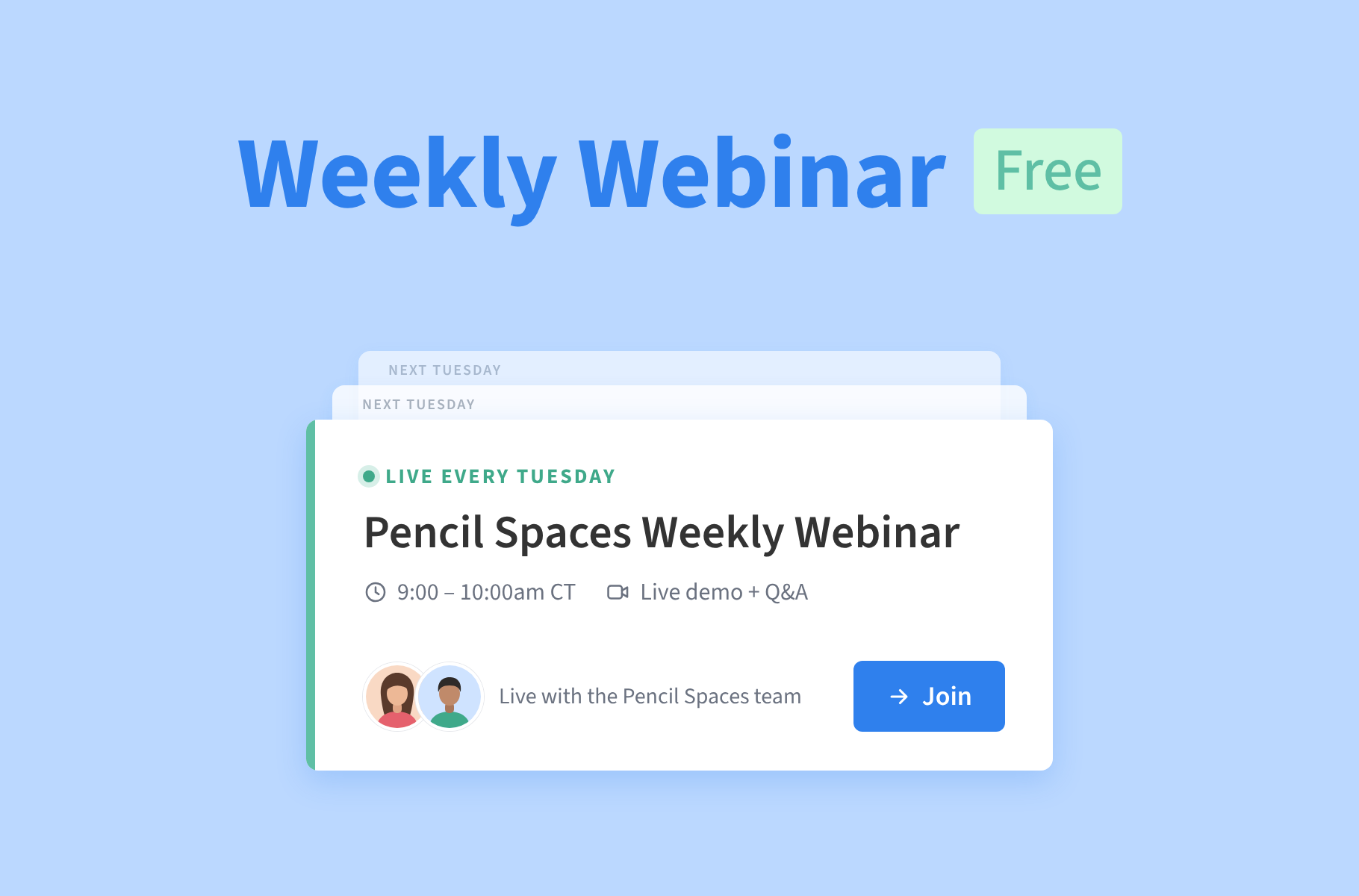
That’s what our weekly Pencil Spaces webinars are here for. Every Tuesday at 9 a.m. Central Time, join the Pencil team for a casual, practical session where you can learn new classroom tips, pick up ideas for your lessons, ask questions, and stay up to date with our latest features.
Whether you’ve been using Pencil Spaces for years or you’re still learning the ropes, we’d love for you to join us.
What can you expect?
Each week will be a little different, but you can expect a healthy mix of:
- Pencil Spaces tips and tricks to help you get more out of the platform
- New feature walkthroughs so you know what’s been added and how to use it
- Ideas for more engaging lessons, activities, and ways to use Pencil Spaces
- Live Q&As where you can bring your questions and get help from the Pencil team directly
- Practical examples you can take straight into your next session
There’s plenty of room for questions and conversation, too. If you’ve ever thought, “I wonder if Pencil can do this…” or “Is there a better way to do that?”, this is a great place to ask.
Meet your hosts
I’m Kayla, Pencil Spaces’ Tutor Success Specialist, and I’ll be leading the weekly webinars alongside my co-host Ville, who’ll be helping out with questions along the way.
We’ll keep things useful, relaxed, and conversational, with plenty of opportunities to ask questions, share ideas, and discover new ways to use Pencil Spaces. And, of course, we’ll have a little fun along the way!

Join us every Tuesday
🗓️ Every Tuesday
⏰ 9 a.m. Central Time
📍 Join the weekly webinar in Pencil Spaces →
Want to make sure it’s on your calendar? Pop me an email, and I’ll send you a recurring calendar invitation.
We can’t wait to see you there! Bring a question, bring an idea, or just drop in to see what’s new. You might leave with something you can try in your very next lesson.