.png)
Joining a live class as an observer can influence the natural dynamics of a lesson. Students may behave differently or get distracted, making them less likely to engage as they would during a normal class.
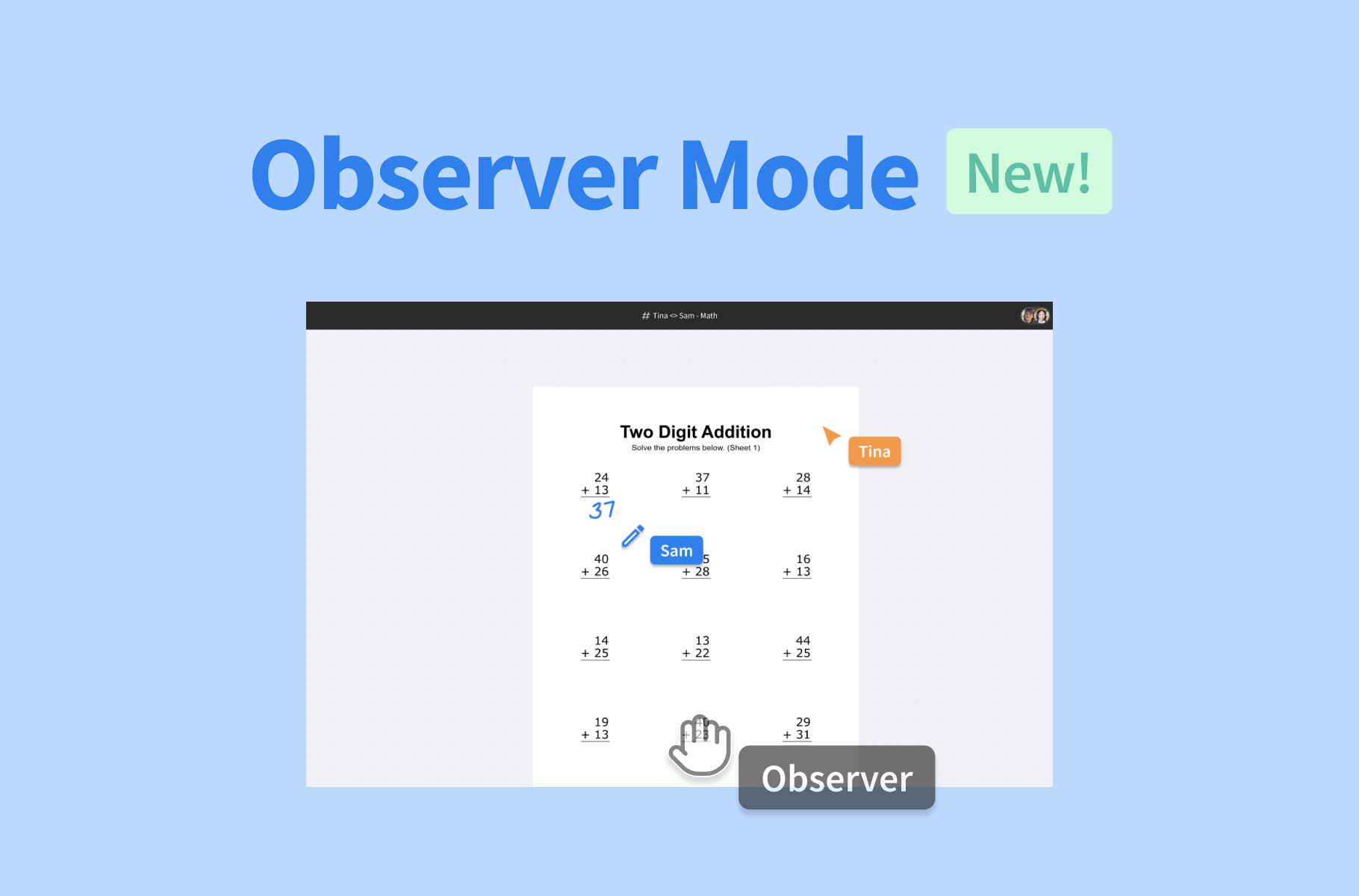
That’s why we’ve just introduced Observer Mode: a way for admins to enter and observe a live session in Pencil Spaces without appearing to students.
Observe lessons without interrupting them
With Observer Mode, you can enter a Space and see what’s happening in real time while keeping your presence hidden from participants.
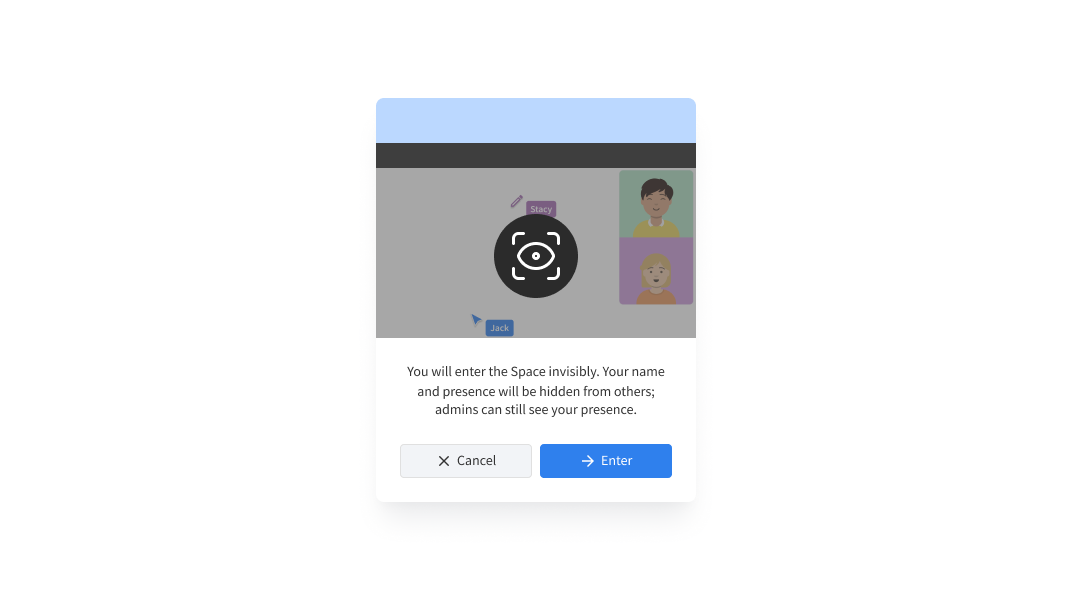
Your avatar, cursor, and other presence indicators won’t appear as they normally would, so you can freely move around the Space and follow the session as you’d like.
Hosts can still see that you’re present. This gives tutors visibility into who’s observing their session, while ensuring that the overall teaching experience remains unchanged for students.
See the session as it happens
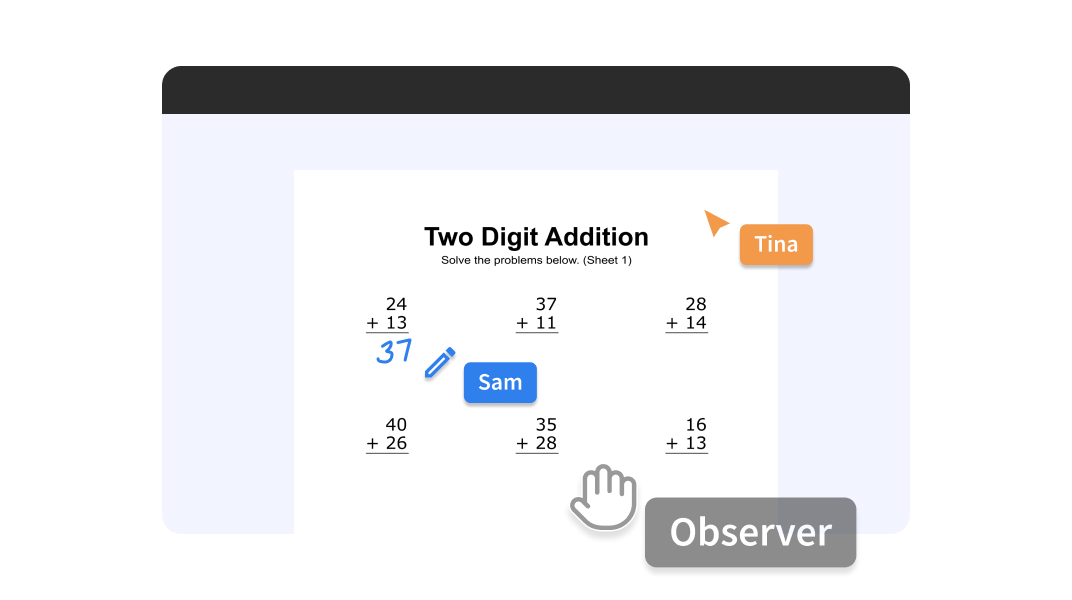
Observer Mode gives you the flexibility to naturally follow a session as it unfolds. You can move between different boards, views, and rooms to see what participants are working on live. You can also join calls undetected to follow the flow of the lesson in real time.
A discreet way to support your team
With Observer mode, you can now:
- Ensure new tutors are settling into your platform
- Check that a session is running smoothly without disrupting it
- Assess whether a student is adjusting or progressing well in their online learning
- Monitor safeguarding concerns
- Get a better understanding of what’s happening before deciding whether any follow-up is needed
You can discreetly check in when you need to, follow along in real time, and get a better sense of what’s happening across your online learning environment. And when you’re done, you can leave the session without having interrupted it in any way.
Observer Mode is available to authorized users when enabled by an Institution Admin. Want to learn more about how to enable and use Observer Mode? Check out our guide in the Help Desk.