
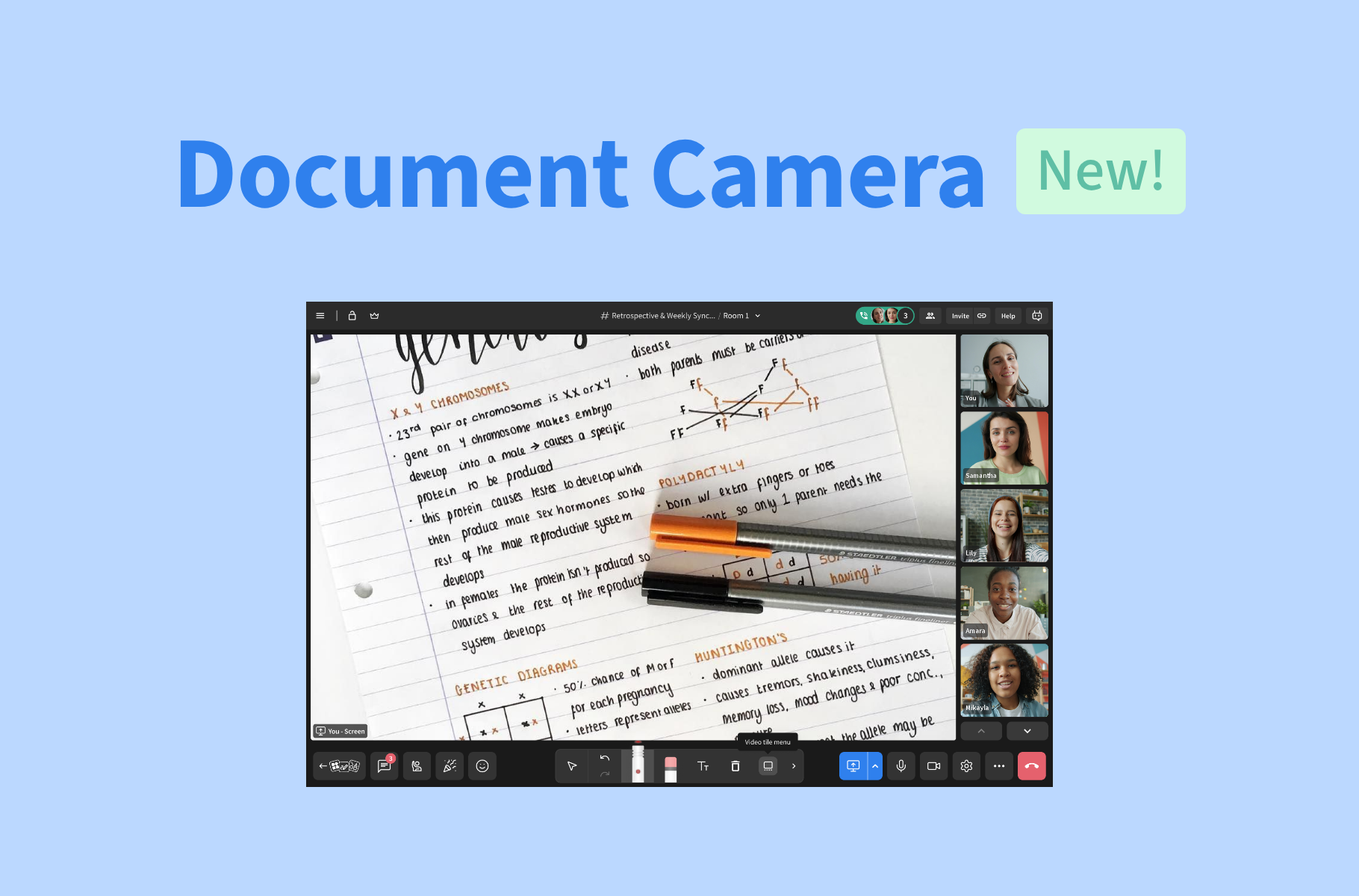

Pencil Spaces already gives you plenty of ways to bring your lessons to life. But sometimes, the thing you need to show your student is something you need to do in the real world, like writing on a physical worksheet, demonstrating how something works in real life, or giving your student a closer look at something sitting on your desk.
If you use a visualizer or document camera for these kinds of activities, you’ve probably had to make this choice before: point your webcam at what you’re showing and sacrifice the face-to-face view, or keep your webcam on and find another way to show it.
But with the new Document Camera, you can do both!
Available on Expert plans and above, the Document Camera lets you share a second camera feed in Pencil Spaces, while your regular webcam stays on. With it, you can keep talking face-to-face with your student while still offering them a clear view of whatever you’re writing, demonstrating, or showing in front of you.
Keep your webcam on while you show more
With the Document Camera, you can share a second camera feed alongside your regular webcam. You might use it to:
- Write out equations, notes, or examples by hand
- Work through a worksheet or physical textbook
- Demonstrate an experiment or hands-on activity
- Show artwork, diagrams, or other physical materials
- Give students a closer view of something you’re working with
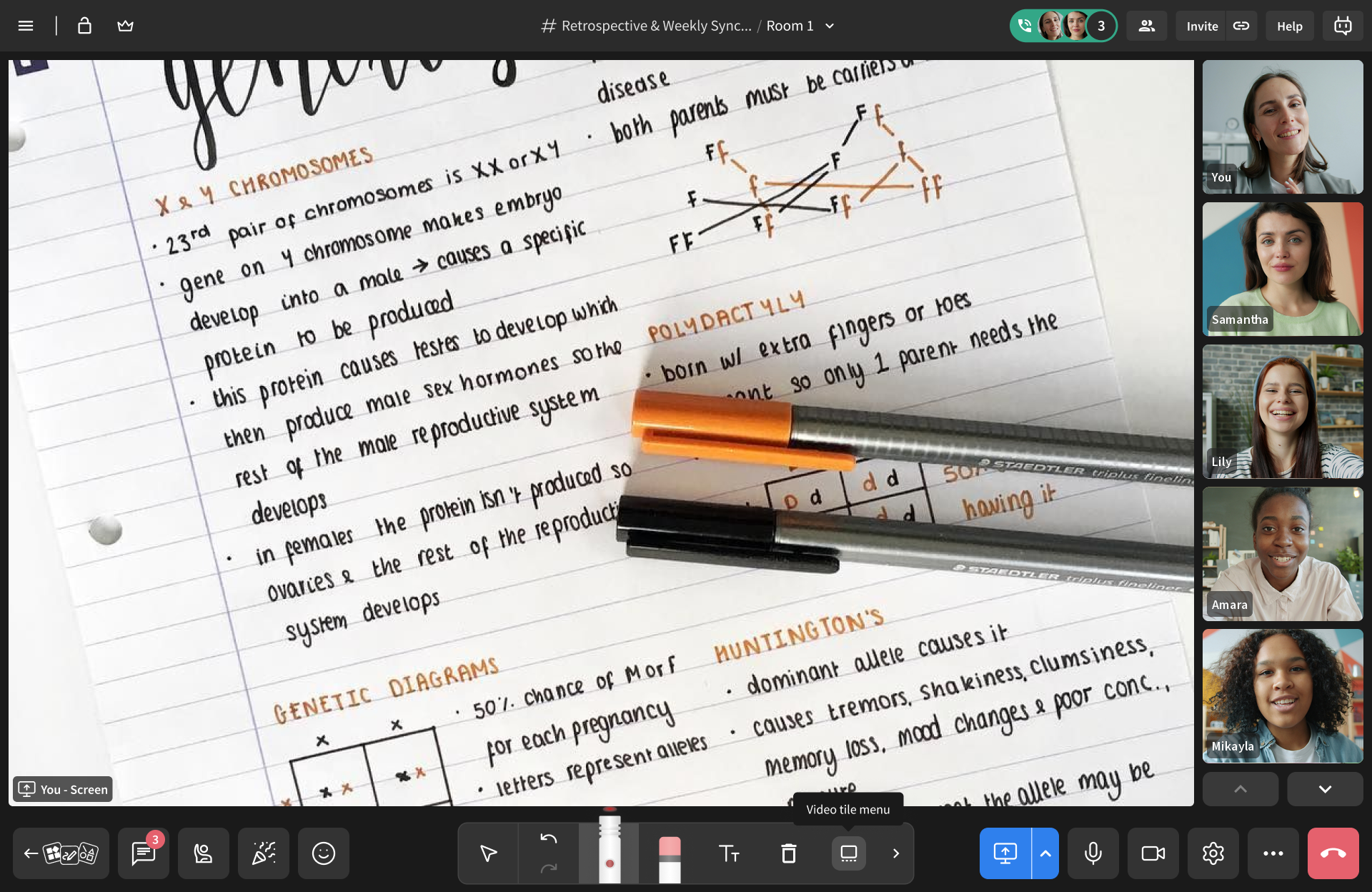
Your webcam stays on throughout, so you can continue seeing your student and maintaining that face-to-face connection while the second camera gives them a clear view of what’s happening on your desk
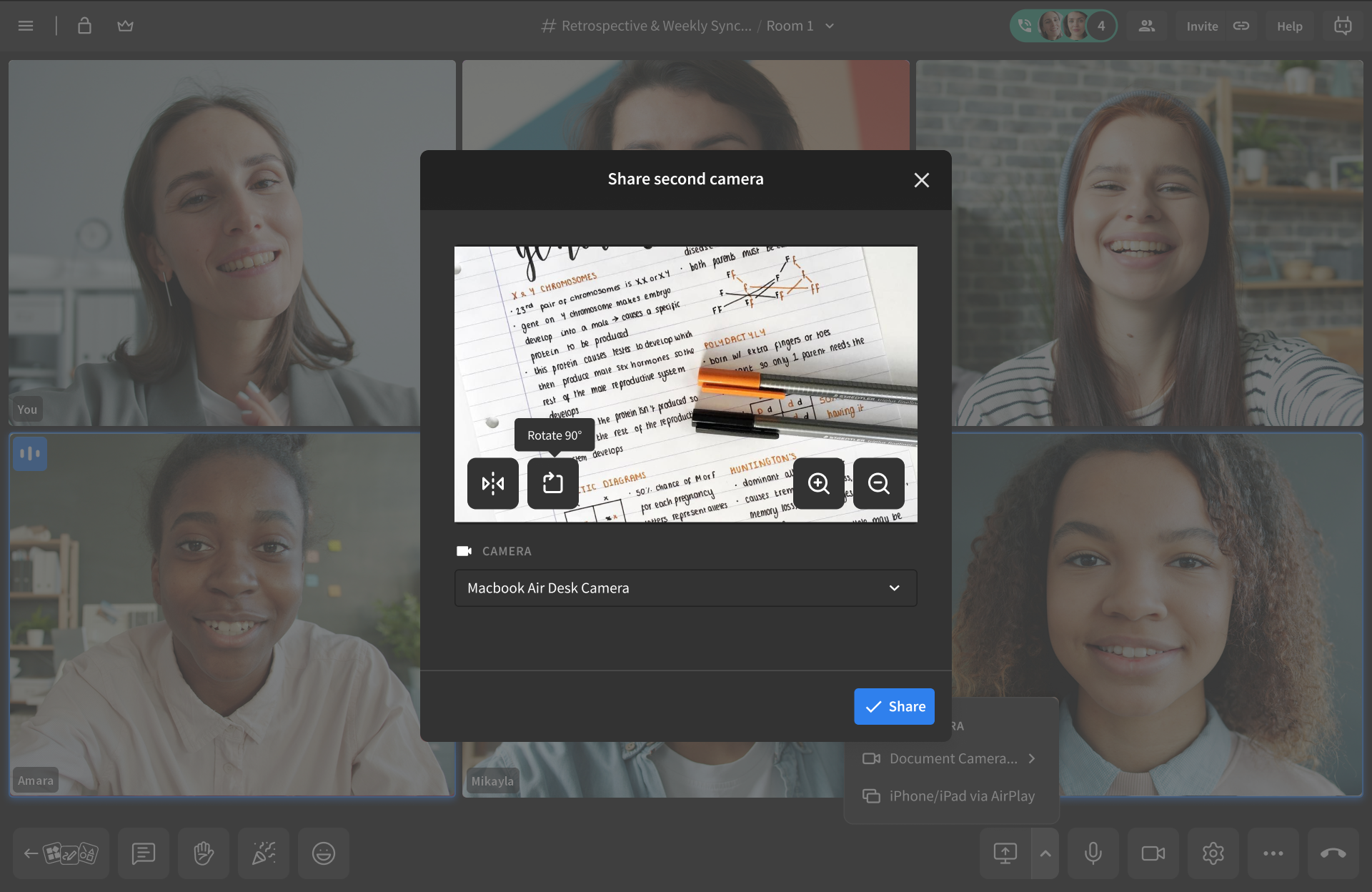
To get started, simply open the Screenshare menu in your call and select Share second camera. Here, you can pick the camera you’d like to use, preview the feed and, once ready, hit Share. Your second camera will appear in the same area of the Space where a shared screen normally does.
Pin it to view to take it front and center, or make it full-screen to make it as large as possible. You can switch between cameras at any point during your lesson, and Pencil Spaces will remember the last camera you used for next time.
A familiar way to bring physical materials into your lesson
Your online classroom can bring a lot of your teaching into one place. Now, the things that still happen on paper, at your desk, or in the physical world can have a place there, too.
The Document Camera supports Full HD video (1080p) at 15 frames per second on all desktop devices, so your handwritten notes, diagrams, and other details will be clear and easy to follow. You can share one screen or camera feed at a time, switching between your screen and second camera whenever you need to.
Whether you’re writing out a tricky equation, working through a worksheet, demonstrating something hands-on, or simply giving your student a different view of what you’re doing, the Document Camera makes it easier to show and teach without sacrificing that face-to-face connection.
The Document Camera is available on Expert plans and above.
Ready to bring a second camera into your next lesson? Try Pencil Spaces’ Document Camera today and keep your webcam on while you show more. For more step-by-step instructions on getting your Document Camera set up, read our guide in the Help Desk.