.png)
Whether you’re working solo or in charge of a large team, running an educational institution means keeping track of many moving parts at once. But the more schedules, tutors, and students you have to look after, the easier it becomes to lose track of them. Scheduling mishaps, missed sessions, and procedural concerns can fly under the radar when your attention is split in several different ways.
That’s why we’ve just shipped the brand new Alert Center in Pencil Spaces. Now, you have a dedicated channel for catching and responding to small issues early before they become bigger problems.
One place to see what needs your attention
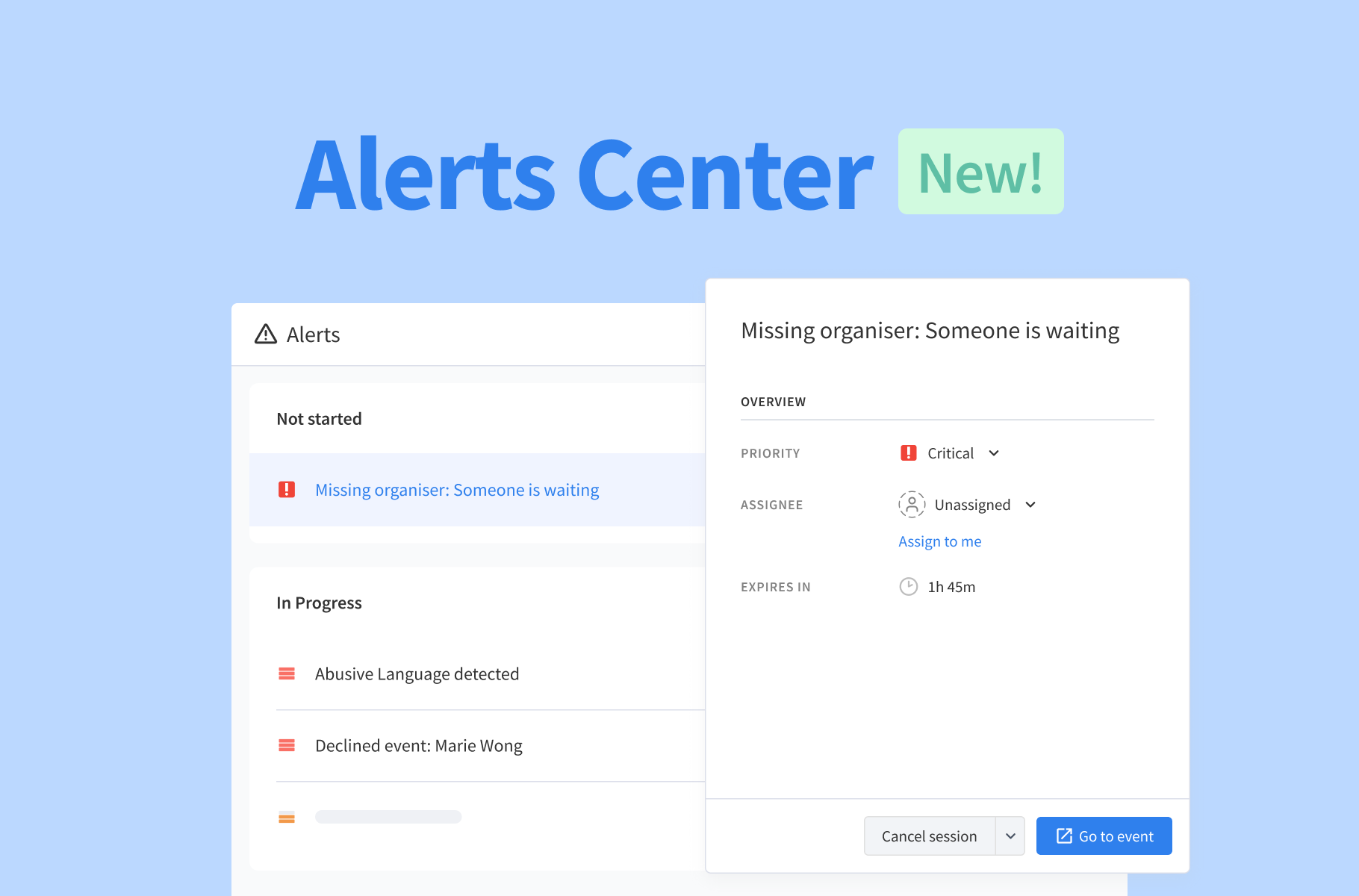
The Alert Center is a dedicated place for your team’s active alerts for declined events, no-shows, and safeguarding concerns. Alerts are organized according to their status, making it simple to distinguish between issues that haven’t been picked up yet versus those that have already been assigned for review.
You can also set a priority and assign each alert to the appropriate person. This gives you and your team a clear sense of what needs attention and who is handling it. Once an issue has been addressed, simply mark the alert as resolved and move on.
Keep things moving when plans change
Tutoring schedules can change quickly and unexpectedly. A tutor’s plans might change, and they may decline an event invitation or fail to show up for a scheduled session. To prevent your students from being left waiting, use the Alert Center to catch these situations as they happen.
Should a host decline an event invitation, Pencil Spaces creates an alert so that your team can step in and decide what happens next. Whether you reschedule the session or reassign the participants to another event, the alert gives your team the chance to address the change before students are left in the lurch.
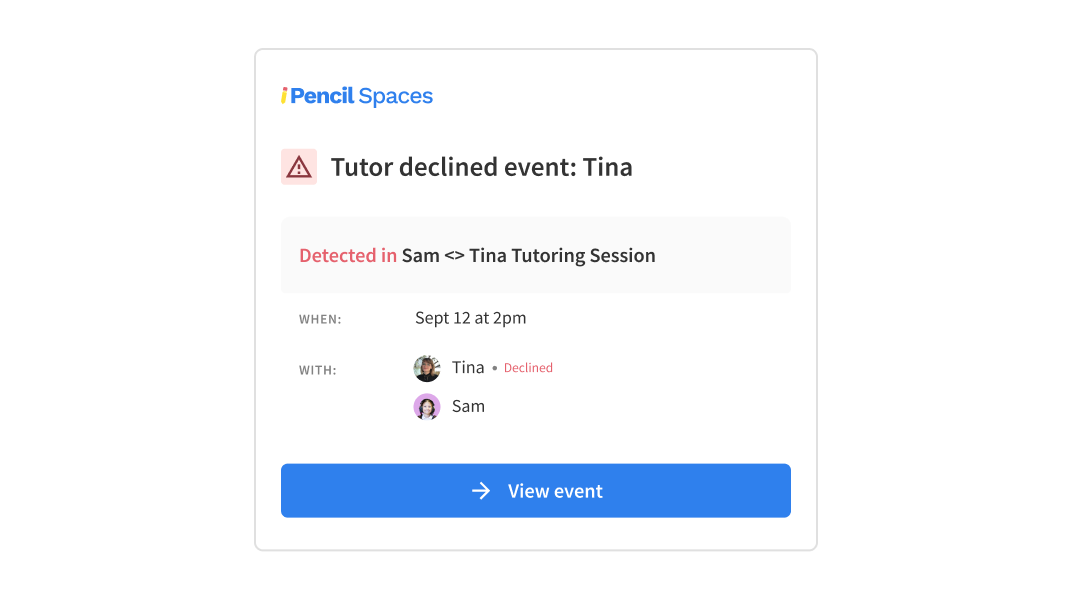
If a host doesn’t join a scheduled event within 10 minutes of its start time while students are already in the Space or waiting room, Pencil Spaces creates an event no-show alert. This gives admins a chance to check in, contact the host or reassign the students to another ongoing event when needed.
If your organization runs multiple sessions at once, having these situations surfaced automatically can make it much easier to put out small fires before they disrupt the student experience.
Keep safety concerns on your radar
It’s crucial to know as soon as something happening inside a session may require closer attention from an administrator or parent. Pencil Spaces’ safeguarding and nudity alerts can flag activity including inappropriate language, harassment, and safety or privacy concerns.
These alerts give your team the opportunity to review the situation as accurately and quickly as possible before following the appropriate safeguarding procedures for your institution. With them, institutions have an extra layer of visibility into what is happening across their online learning environment.
Make it clear who needs to take action
Knowing that an issue exists is only one half of the job. If several people in your institution are responsible for managing sessions and students, someone needs to take ownership of it.
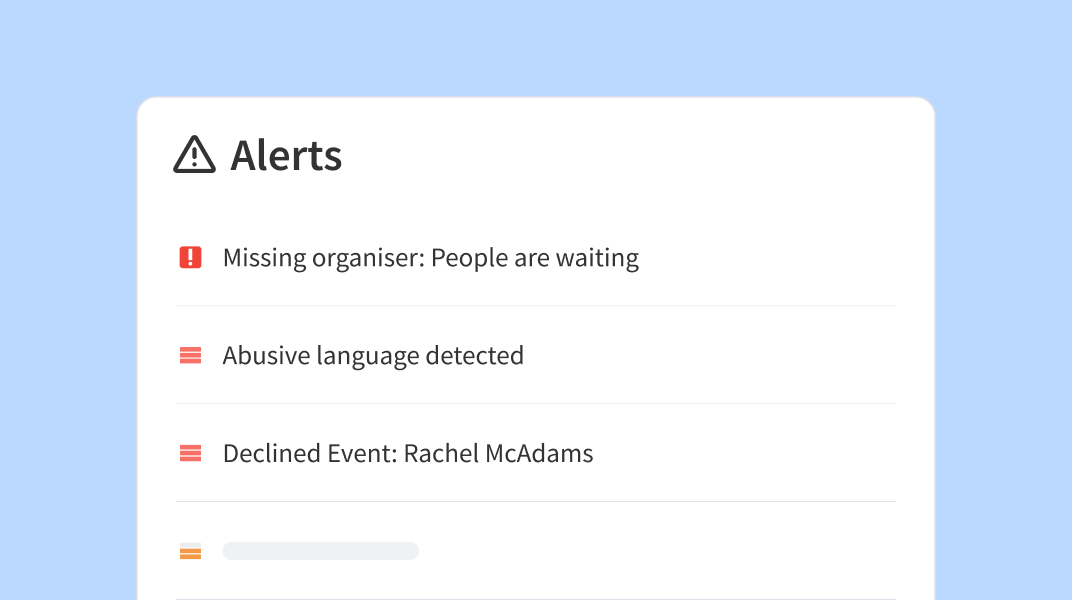
With the Alert Center, admins can assign alerts to the appropriate team member and set their priority. This makes it easier to keep track of who’s handling which issue, as well as which alerts need attention first. Then once the necessary follow-up is complete, the alert can be marked as resolved.
It’s a simplistic workflow, but it can make all the difference when you’re managing a busy tutoring operation and don’t want important issues getting lost in the shuffle.
A smoother way to handle the unexpected
It’s impossible to predict every last-minute change, missed session, or safety concern. What you can do is make it easier for your team to spot problems and respond promptly when they happen.
With the brand new Alert Center, your team now has a clearer way to see what needs attention and, more importantly, to take the next steps.
The Alert Center is currently available as an opt-in feature for Master plans and above. If you’d like to start using it, contact our support team and we’ll help you enable it for your institution. Want to learn more about where to find and how to use the new Alert Center? Check out our guide in the Help Desk.