


.png)
As your institution grows, maintaining student and teacher accounts up to date can start taking up a surprising amount of time. Creating accounts individually, maintaining user lists, and importing class rosters add up in the administrative workload.
That’s why we’ve just released our new Edlink integration to help simplify those processes by connecting Pencil Spaces with the education systems your institution already uses. You can bring existing user and roster information into your virtual classroom, reducing repetitive setup work and making it easier to manage access as your institution grows.
Connect Pencil Spaces to the systems you already use
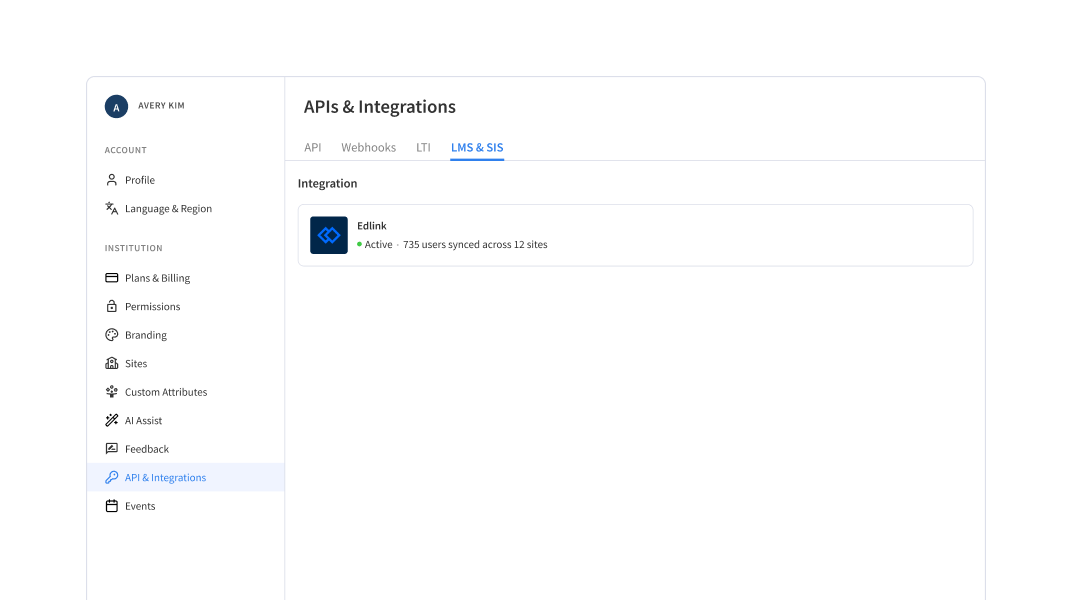
Most institutions rely on learning management systems (LMSs) and student information systems (SISs) in tandem with Pencil Spaces to manage their tutors, students, classes, and other essential information. But when systems run in parallel, keeping those details aligned can mean extra work for administrators.
Edlink exists to help education technology platforms connect with these existing systems. Through our Edlink integration, Pencil Spaces can connect to your institution’s supported systems, making it easier to bring all your existing user information into your virtual classroom.
This gives administrators a much more efficient way to get their users set up in Pencil Spaces while working with the information that’s already maintained elsewhere.
Simplify user imports, role assignment, and site mapping
Once your Edlink integration has been configured, administrators can synchronize users from their connected system directly into Pencil Spaces with just a few clicks. No manual data entry or spreadsheet creation required!
The integration also supports role assignment and site mapping. This ensures all imported users will reach the appropriate areas of your Pencil Spaces institution based on their preconfigured information.
Together, these capabilities can significantly reduce the amount of manual work that’s usually involved in setting up and maintaining user access, especially for institutions managing larger groups of students and educators.
How to get started with Edlink
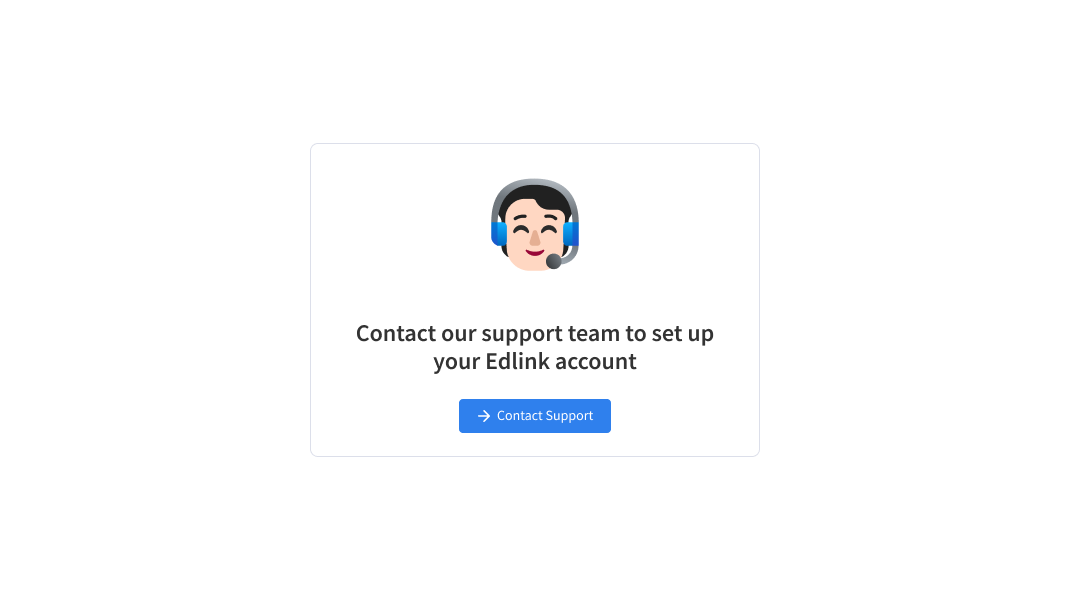
Getting started requires some initial configuration from our support team, who are happy to help set up your Edlink integration and connect Pencil Spaces to your institution’s systems.
Once the integration is configured, admins can trigger a synchronization directly from their integration settings. In just one click, you can bring all your user information directly to Pencil Spaces, without having to manage every account individually.
Interested in connecting your Edlink and Pencil Spaces accounts? Contact our support team for help configuring the integration today!
Spend more time supporting your institution
Although account management and class rosters are an essential part of running an educational institution, they can take time away from your other priorities. By connecting Pencil Spaces with the systems you already use, Edlink can help make those administrative tasks more manageable as your institution grows.
We hope this integration makes it a little easier to keep your users organized and your virtual classrooms ready for learning!
Ready to get started? Contact our support team to learn more about setting up Edlink with Pencil Spaces.










