.png)
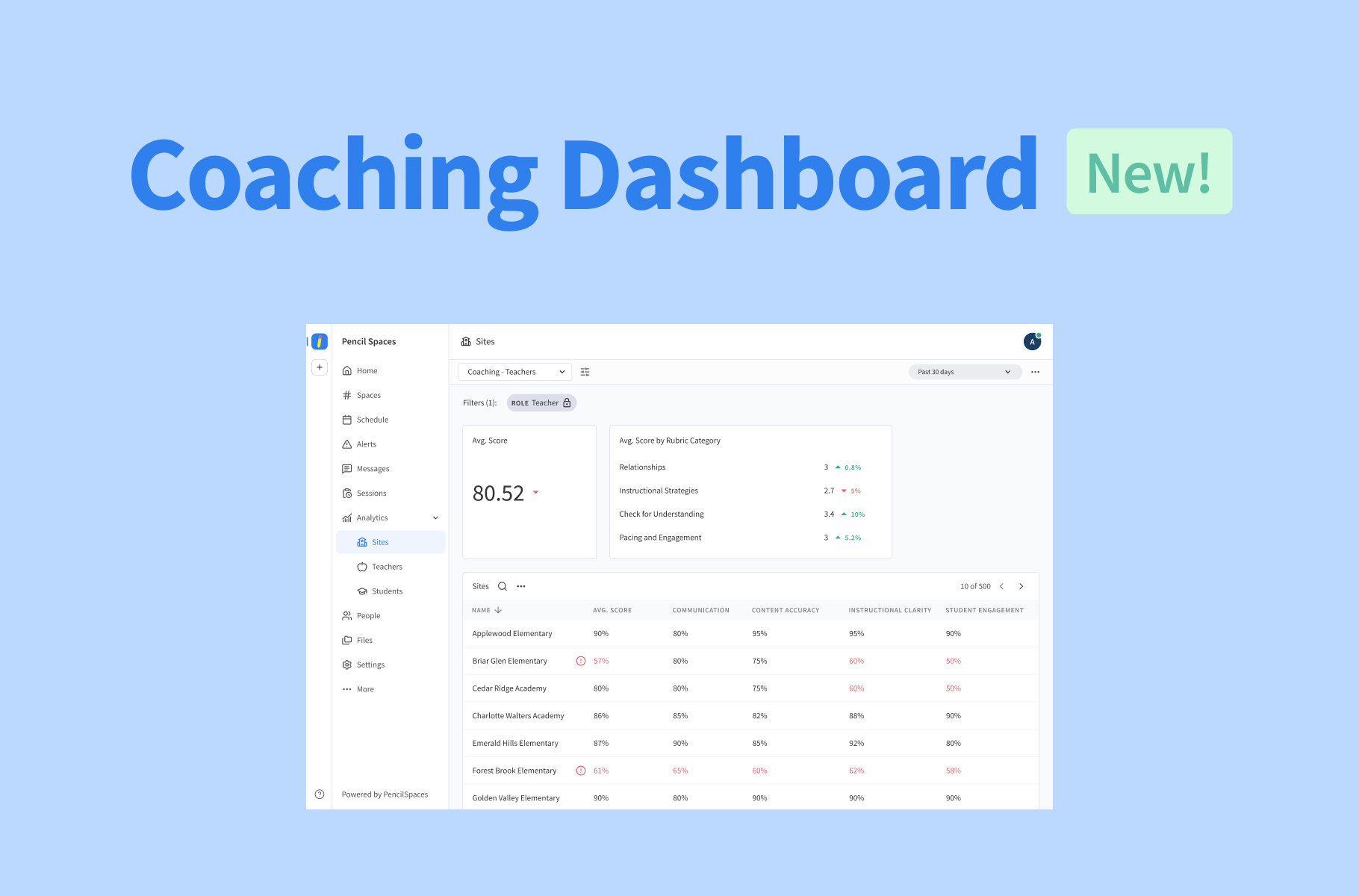
Supporting your tutors starts with knowing exactly how their sessions are going. Our AI Coach already helps you spot teaching strengths and areas for improvement in individual sessions. Now, our new Coaching Dashboards make it easier to see how those insights add up across your teaching team.
Whether you’re overseeing several sites or supporting a few individual tutors, you now have instant access to performance data that can help you recognize strengths, spot patterns, and decide where additional support might help.
Explore performance across sites and teachers
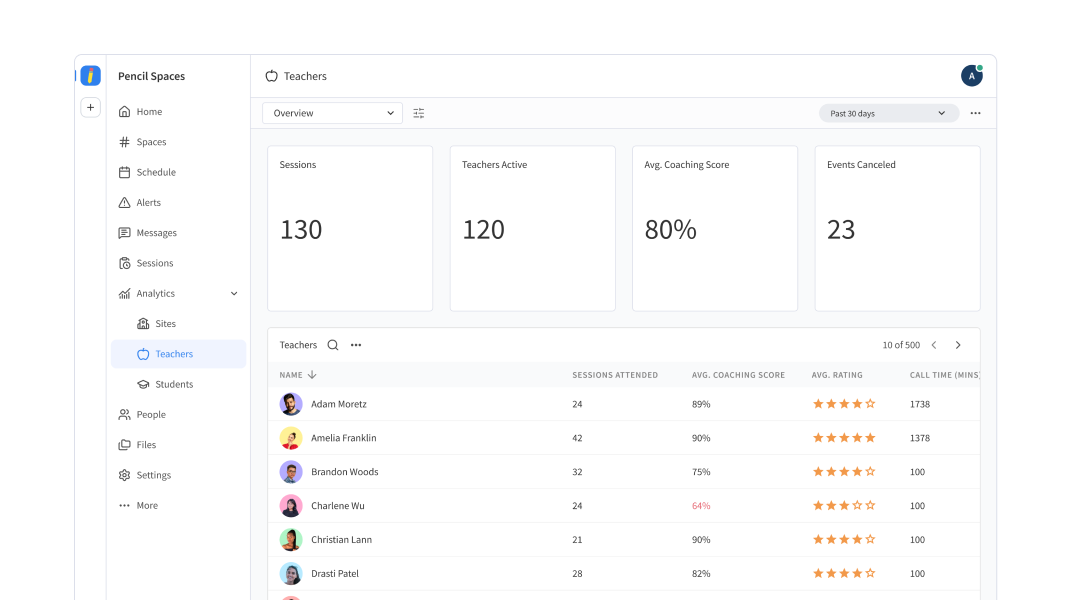
Analytics → Teachers or Analytics → Sites → Coaching
Want a better understanding of how your teaching team is doing? Your Coaching Dashboard will help you see the bigger picture, whether you’re interested in a particular site or an overview across your entire institution.
Start with the Teachers dashboard to explore average scores, see how they’re distributed across teachers, and follow performance trends over time. If your institution has multiple sites, you can also head to Sites → Coaching for an aggregated view of performance across them.
With all your important insights in one place, you can quickly and efficiently recognize your teams’ strengths, as well as identify areas where some extra support could make a difference.
Take a closer look at individual teachers

Analytics → Teachers → Select a teacher
Sometimes, a broader overview raises questions that deserve a closer look. Select an individual from your Teachers dashboard to explore their performance across teaching categories and see how their scores have changed over time.
Not only can this help you identify and address potential gaps in training, but it can also outline the unique strengths that they bring to every lesson.
Put your AI Insights to work
Our AI Coach was built to help you understand exactly what’s happening during individual sessions, whether you’re present for them or not. And with Coaching Dashboards building on that information, it’s now easier than ever to recognize patterns across teachers and sites.
If you already have AI Coaching enabled, your dashboard will automatically populate with data from your existing AI Insights — nothing extra to set up. Head to Analytics to explore your brand new Coaching Dashboards today! For a closer look at how AI Insights works, see our guide on How to Use the AI Coach.