.png)
We’ve upgraded AI Coach and Summaries in Pencil Spaces to make it easier to understand what happened in every session, reflect on your teaching, and turn those insights into better lessons.
AI Coach provides teaching insights, skills assessments, and a session timeline, helping tutors review their teaching without having to rewatch an entire lesson. Now, we’ve made those insights easier to access and more useful than ever.
One clearer AI report

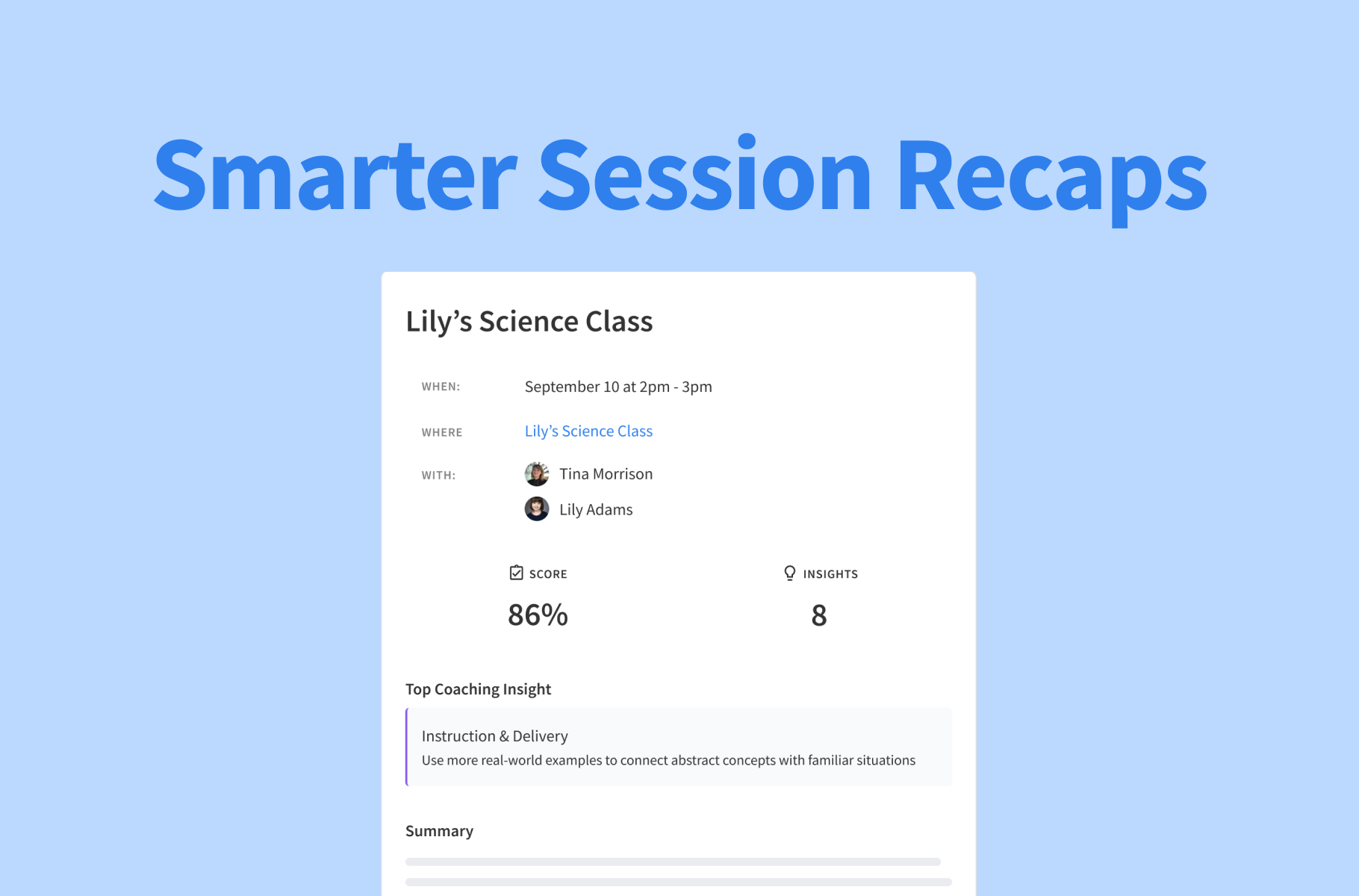
If you have both AI Coach and Summaries enabled, you’ll now receive their insights together in one polished session report.
Instead of receiving separate emails, you’ll get a single, complete overview of your session. Start with a quick summary of what happened, then dive into what went well and where you could improve in future lessons.
It’s a simpler way to get the full picture of your session, all in one place.
More control over who receives reports

Institution admins now have more control over post-session emails. You can choose exactly what hosts and participants receive, including:
- AI Summaries
- AI Coach insights
- A combined session report
- No email at all
These settings can be configured separately for hosts and participants, as well as for invitees who attended or missed the session.
This gives institutions more flexibility to decide what information gets shared, with whom, and when.
More complete, focused Summaries
We’ve also improved the AI behind Summaries to make them clearer, more focused, and less wordy.
AI Summaries now pull information from every recording in a session, including recordings from breakout rooms. That means you get a more complete picture of what happened across the entire session, even in rooms or discussions you weren’t present for.
Whether you’re reviewing a one-on-one lesson or a session with multiple breakout rooms, your summary captures more of the context that matters.
Summaries are available on Expert and above, and AI Coaching is available on Master plans and above. Want to learn more about where to find it and how to use it? Check out our AI Coach guide and Summaries guide in the Help Desk.