.png)
.png)
Apps in Pencil Spaces just got bigger!
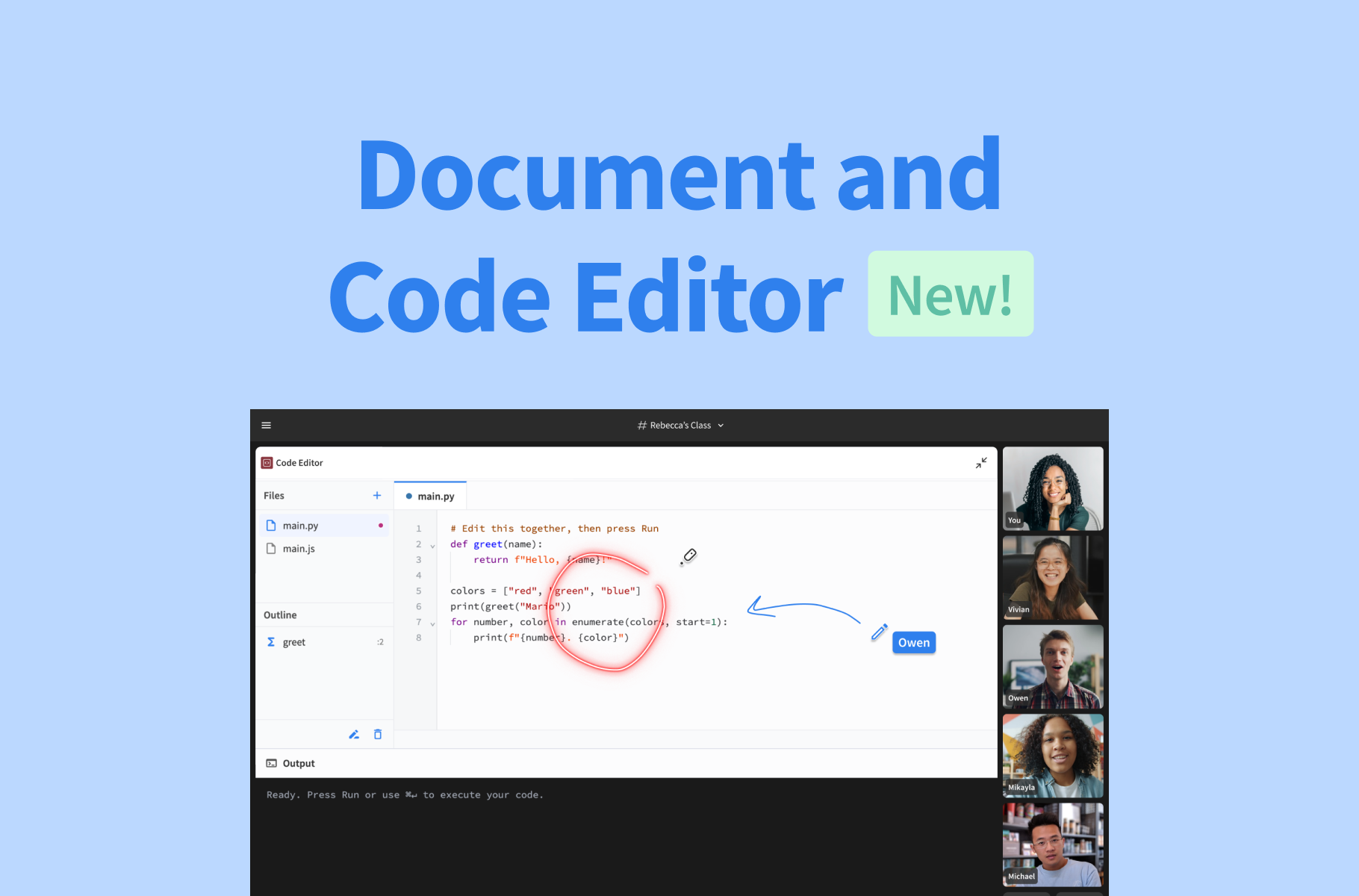
Previously, you could add Pencil Spaces’ built-in apps and Web Viewer to your board and zoom in to make them easier to see. Now, you can use the new fullscreen function to make them the center of your lesson!
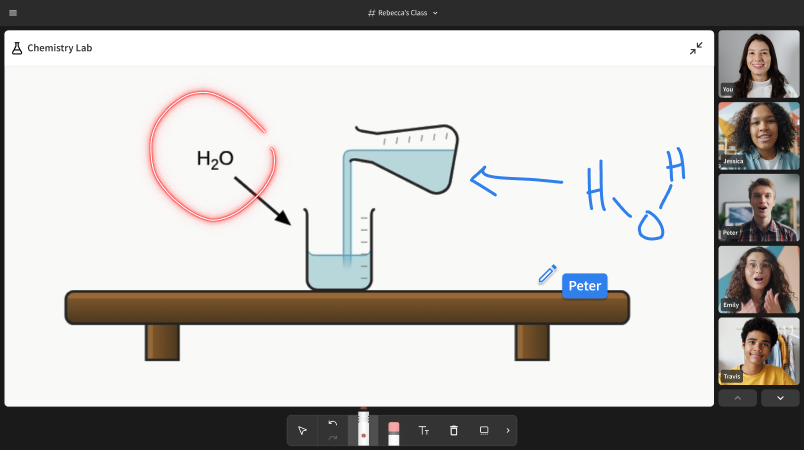
Just as they are on the board, everyone in the Space can interact with full-screen Web Viewers or apps at the same time. This makes it easier to put browser-based activities and educational apps at the center of your lessons, while also having your students work with them alongside you.
When using the Web Viewer, you can also annotate directly on top of the full-screen view! Use your pen or highlighter to mark something specific, or use the new laser pointer to draw your students’ attention to a particular detail.
Now, there’s no need to screen-share a different browser tab or application to make it the focal point of your classes. Just open your app of choice, make it full screen, and get started!
Ready to put your apps front and center? Open a Pencil Space and try out the new full-screen experience today. If you’d like more information about using the Web Viewer, check out our guide in the Help Desk.