Pencil Spaces API /vs/ Whereby Embedded
Use Teams when an organization needs to collaborate. Use Pencil Spaces when someone needs to learn.
Pencil Spaces gives tutors, schools, universities, and training teams the classroom tools an enterprise meeting suite was never designed to provide: one-click joins with no account, persistent classrooms, a real teaching whiteboard, built-in learning apps, and live support.
10M+ sessions taught
200M+ minutes of learning
One-click join, no installs
Last updated June 2026
For teaching
A virtual classroom built for lessons, persistent student work, and teaching workflows.
For the enterprise
A powerful collaboration suite for meetings, chat, and files across an organization on Microsoft 365.

The short answer
Pencil Spaces is a virtual classroom built for teaching and learning, from tutoring and K-12 to higher education and professional learning. Microsoft Teams is an enterprise collaboration suite whose education edition runs inside a school's Microsoft 365 tenant. For lessons, Pencil Spaces gives educators account-free joins for learners, a teaching whiteboard, built-in learning apps, persistent student work, learning-grade AI, and live support. Use Teams when an organization needs to collaborate. Use Pencil Spaces when someone needs to learn.
Built for teaching. A virtual classroom, built around the lesson.
No account to join. Learners enter from one link, no tenant, no download.
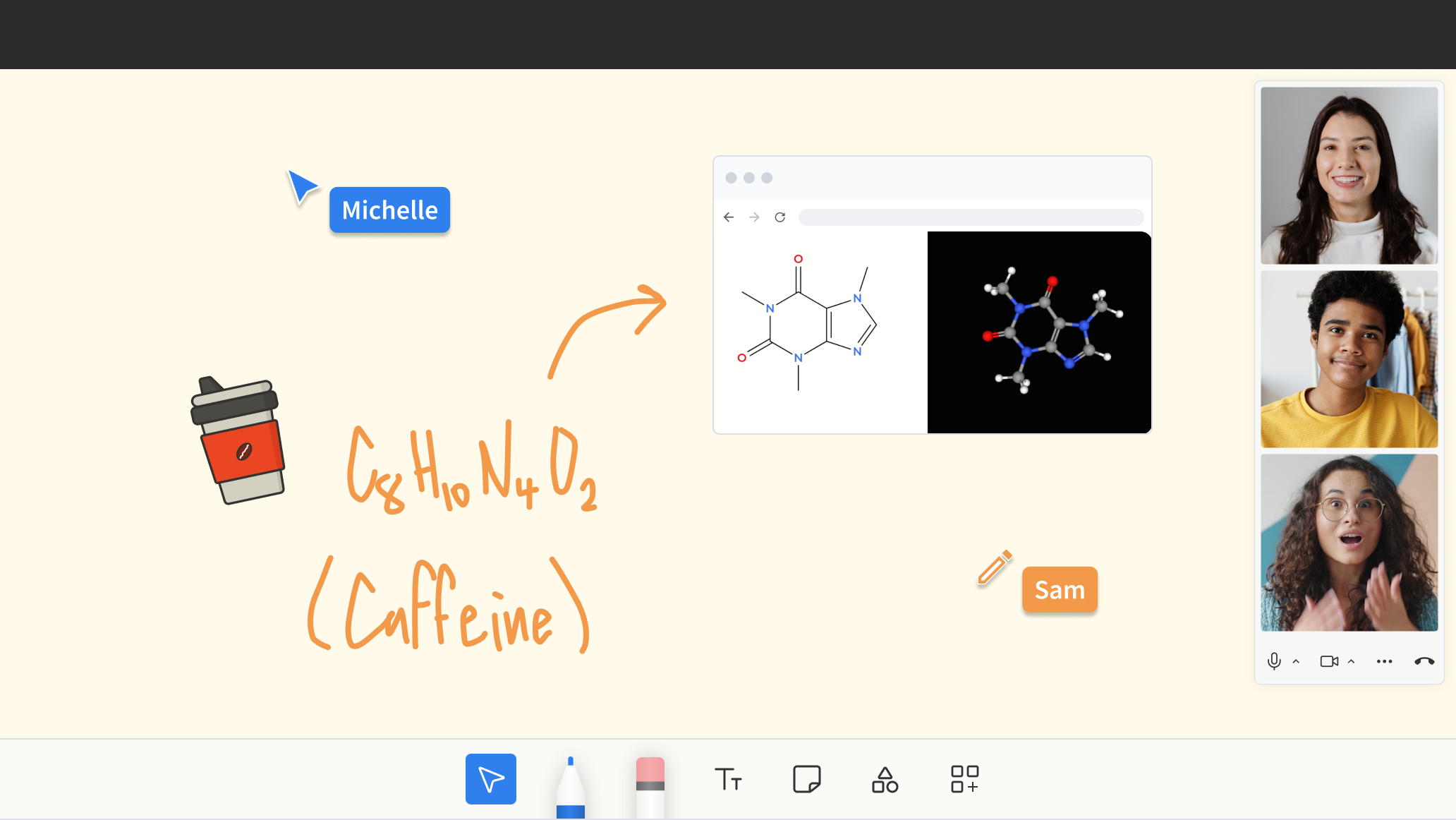
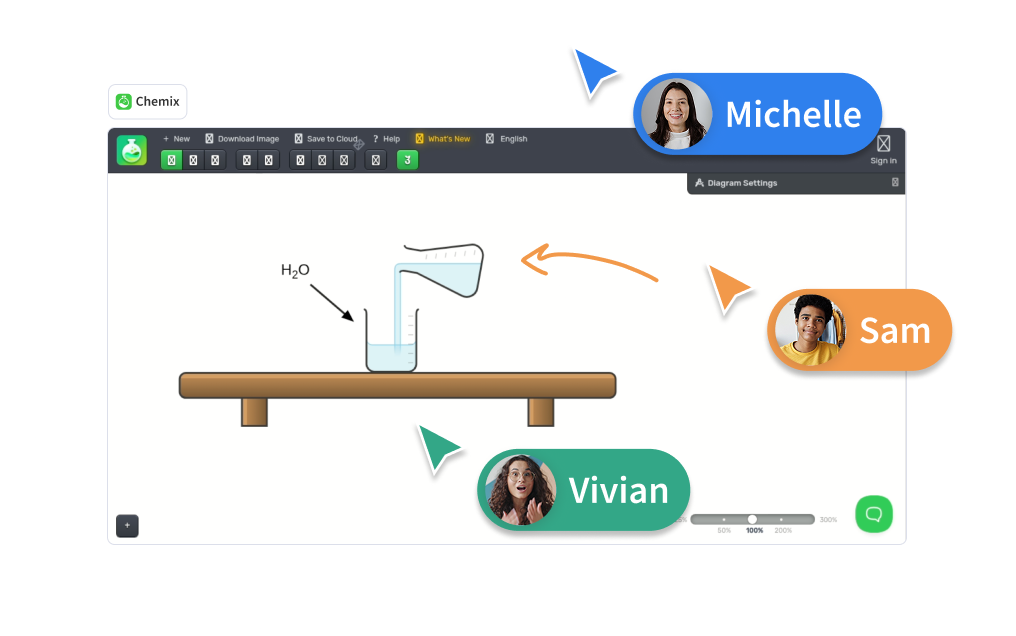
Everything in one room. The whiteboard, learning apps, and each learner's work, saved between lessons.
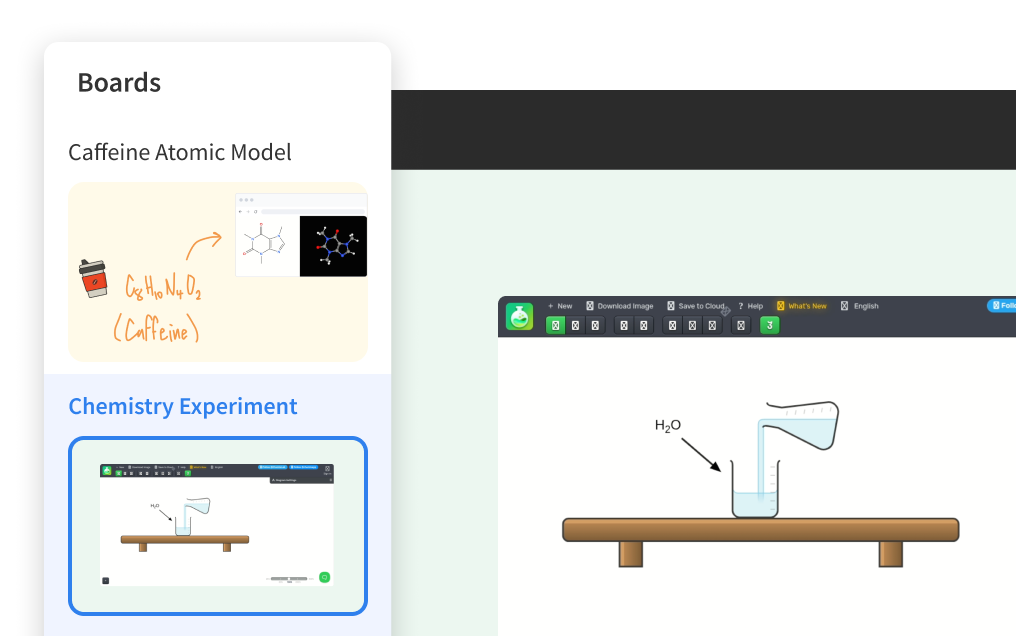
Work that persists. Whiteboards and student work are saved between lessons.
Learning-grade AI. A Learning Companion and Autograder, built for the lesson.
Built for education. Support for COPPA, FERPA, HIPAA, SOC 2, and GDPR, plus 24/7 live help.
Know the difference
Microsoft Teams is a great collaboration product. It is powerful, secure, and deeply integrated with Microsoft 365 for meetings, chat, and files across an organization.
But teaching and learning are their own kind of work.
A lesson needs a learner who can join in seconds, a teaching canvas, work that is still there next week, learning-grade AI, and privacy held to an education standard. That is why Pencil Spaces exists.
Microsoft Teams helps an organization collaborate. Pencil Spaces helps people learn.
Side by side
Both run in the browser. The difference is what each one was built to do. Microsoft Teams is an enterprise collaboration suite; Pencil Spaces is a virtual classroom for tutoring and online teaching.
Your question
For teaching
For the enterprise
The basics
Can I run a live video session?

Yes.

Yes, this is what Teams does best.
Is it built specifically for teaching?

A purpose-built virtual classroom.

An enterprise collaboration suite with an education edition.
Is it reliable enough to teach on every day?

Yes. 99.99% uptime, engineered for the heavier load of live teaching.

Yes, Teams is enterprise-grade and reliable at scale.
Joining the room
Can students join without a Microsoft account?

Yes. One click, no account, no tenant.

Students sign in with a school Microsoft 365 account; external guests may have extra sign-in steps.
Can students join without a download?

Yes. One click, any device, in the browser.

Browser or app; the desktop app is often prompted.
The teaching experience
Is there a teaching whiteboard in the room?

Yes, a classroom-native whiteboard saved to the room.

Microsoft Whiteboard is a separate, general-purpose app.
Does student work persist across lessons?

Yes. The whole room persists: boards, documents, and student work.

Files and chat persist in a channel; the meetings themselves are ephemeral.
Are there built-in teaching tools?

Yes. Teaching apps built into the room, including Quizlet and IXL.

You add Office files and third-party apps as tabs; education tools vary.
Can I see whether students are distracted?

Yes, with private focus and tab-switch alerts.

Not designed around this workflow.
Is there a mode for young, under-13 learners?

Yes. Focus Mode for young learners, built for K-12.

Available via your Microsoft 365 tenant; the Study & Learn agent is for ages 13 and up.
Does it support group classes and accessibility?

Yes. Group classes, breakouts, and accessibility tools for every age and ability.

Capable for large meetings and webinars, with Microsoft 365 accessibility.
AI and assessment
Can I schedule classes and track attendance?

Yes. A Learning Companion, Smart Assistant, and Autograder.

Copilot is built for enterprise productivity; the education Study & Learn agent is 13+.
Is there grading and an autograder?

Yes. A built-in Autograder.

Assignments live in the wider Microsoft 365 tenant rather than in the meeting itself.
Can I record a lesson?

Yes, device and cloud, including recording without the student on camera.

Yes, cloud recording with transcripts in Microsoft 365.
Operations, privacy and support
Can I run it without an IT department?

Yes. Self-serve setup in minutes.

Requires a Microsoft 365 tenant and admin configuration.
Can I manage many tutors without per-seat creep?

Yes. Unlimited hosts and Space links.

Per-user Microsoft 365 licensing, plus a per-user add-on for Premium features.
Can I schedule and track attendance?

Yes. Built-in calendar, invites, attendance, and rostering.

Calendar built in; attendance via meeting reports and Insights.
Is it built for education compliance by default?

Built to support COPPA, FERPA, HIPAA, SOC 2, and GDPR.

Compliant use depends on tenant configuration and a data protection impact assessment.
Can support help during a live class?

Yes. 24/7 live support, and we can join your Space.

Microsoft support tiers, usually routed through your IT admin.
Who is it best for?

Tutors, schools, districts, and tutoring programs.

Organizations standardized on Microsoft 365 for collaboration.
Pencil Spaces is built around the teaching things a general collaboration suite isn't — account-free joins, a real teaching canvas, persistent learner work, learning-grade AI, and education-grade privacy — as the product, not an add-on.
Comparison reflects the education edition of Microsoft Teams and publicly available Microsoft documentation as of 2026, and is intended as a fair, factual comparison. Microsoft Teams is a general-purpose collaboration platform; Pencil Spaces is a teaching platform.
Use the right tool for the job
We are not saying never use Microsoft Teams. We are saying use the tool built for the job in front of you — and for a lot of teams, that means both.

You are teaching or training learners of any age

It matters that a learner can join in one click, with no account or download

You want recording and breakout rooms built in

You need whiteboards and learners' work to persist between lessons

You want built-in teaching tools and learning-grade AI

You need distraction and focus signals

You manage many tutors, instructors, or facilitators

You need education-specific privacy and support

You want the lesson to feel like a classroom, not a meeting

You deliver virtual or hybrid classes, courses, or training programs

You are running a business or team meeting

You need company-wide chat, files, and calls in one place

You are co-authoring documents in Word, Excel, or PowerPoint

You are coordinating staff, operations, and administration

The session is a meeting, not a lesson
Already standardized on Microsoft 365? You do not have to choose. Keep Microsoft Teams for meetings and collaboration, and bring your teaching into Pencil Spaces right alongside it.
Built for your team
Pencil Spaces is the learning layer across tutoring, virtual and in-person schools, higher education, enrichment programs, and professional learning — and, increasingly, corporate L&D. The same room, whoever is learning in it.
Tutoring companies
Pencil Spaces runs the teaching, not just the call: consistency across tutors, account-free joins for every learner and parent, recordings, scheduling, and support.
Virtual & in-person schools
Whether class is fully online, in the room, or a hybrid of both, Pencil Spaces is the classroom, not just a link: a persistent room per class, saved learner work, and safeguarding built for K-12.
Higher education
Seminars, office hours, labs, and supplemental instruction in a space built for working through material together, not just broadcasting a lecture into a meeting window.
Enrichment & after-school
Coding, music, languages, and test prep in a room that feels purpose-built for the subject, with the tools and the spark that keep learners coming back.
Professional learning
Instructor coaching, PD, and training delivered in the same kind of environment educators use with learners, so the practice and the classroom are one and the same.
Corporate L&D
And, increasingly, L&D teams who want onboarding, upskilling, and cohort programs to feel like a classroom. Microsoft Teams is where your people meet for work; Pencil Spaces is where they learn.
Proof by segment
Tutoring companies
Add a quote from a tutoring-company operator on running many tutors with consistency, oversight, and their own branding.
Schools and districts
Add a quote from a school or district administrator on student privacy, compliance, and safe instructional spaces.
Independent tutors
Add a quote from an independent tutor on students joining in one click with no account, and a more professional experience.
Online learning programs
"Pencil Spaces has been instrumental in our transformation, enabling us to serve more students and bring literacy to the children of Charlotte-Mecklenburg."
Steve Hall · Executive Director, Augustine Literacy Project
Proven at scale
sessions taught on Pencil Spaces
minutes of live learning
uptime, so class is not interrupted
live support inside the Space
See how a purpose-built classroom complements the tools your team already uses, and what account-free joins and persistent rooms look like at your size.
Built for teaching, not meetings, and trusted by tutoring teams, schools, and districts.
One room, not a pile of tabs
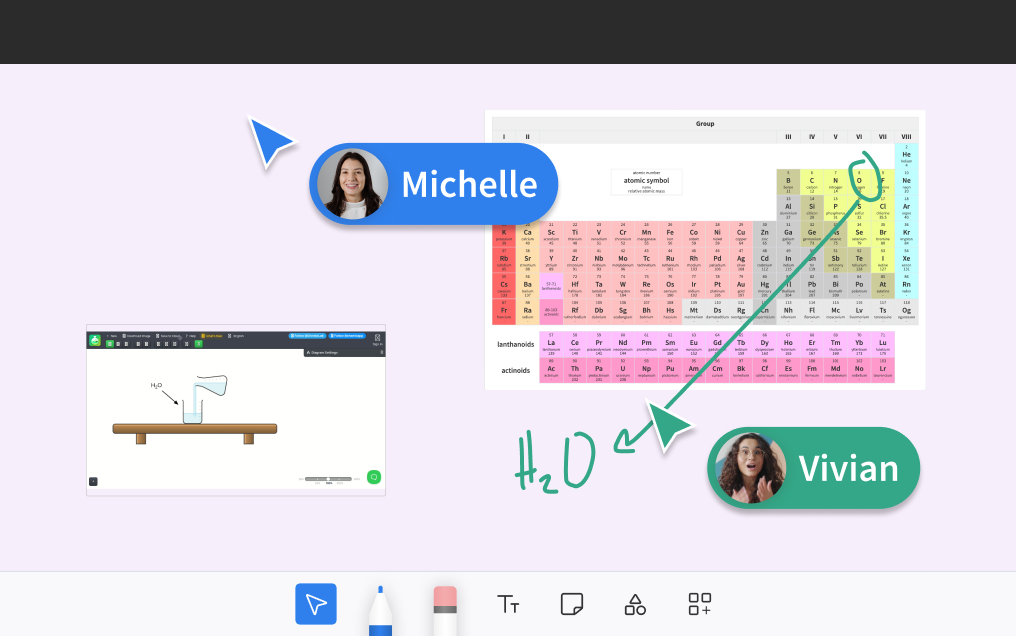
A lesson is more than a video feed. In Pencil Spaces the whiteboard, the documents, the learning apps, and every learner's own work live together in one persistent room, so you pick up exactly where you left off instead of rebuilding the session each time.
With Pencil Spaces
Boards, documents, learning apps, and each learner's work stay in the room between lessons. Open it and teach, with recording, breakout rooms, and focus signals built in.
General meeting tools
A meeting window is the hub, while the whiteboard, files, and any learning tools are opened or screen-shared from separate places and set up again each session.
One room, not a pile of tabs
A lesson is more than a video feed. In Pencil Spaces the whiteboard, the documents, the learning apps, and every learner's own work live together in one persistent room, so you pick up exactly where you left off instead of rebuilding the session each time.
Less setting up. More teaching.
With Pencil Spaces
Boards, documents, learning apps, and each learner's work stay in the room between lessons. Open it and teach, with recording, breakout rooms, and focus signals built in.
General meeting tools
A meeting window is the hub, while the whiteboard, files, and any learning tools are opened or screen-shared from separate places and set up again each session.
Privacy & compliance
Schools, universities, and learning organizations carry real obligations around learner data. Pencil Spaces is built to meet them out of the box, so compliance is the starting point of a Space rather than a project you scope before your first lesson.

Built to support COPPA, FERPA, HIPAA, SOC 2, and GDPR, where you need them

Content and safeguarding designed for K-12 and district use

The same standard on day one as at full scale

No tenant to harden before you can teach safely

Built for broad business use across every department of an organization

Education-grade use typically depends on tenant configuration and admin policies

Many institutions complete a data protection impact assessment before rollout

Powerful when an IT team owns and manages that setup
General platforms can absolutely be configured for education. With Pencil Spaces it is the default, built for learning data from the very first Space.
Getting started is easy
You do not have to figure it out alone, and you do not have to leave the rest of your stack behind. Our onboarding team helps you set up your Spaces, bring your classes across, and get your educators teaching, with a full library of guides and walkthroughs.

A dedicated onboarding team to plan and run your setup

A full library of setup guides and video walkthroughs

No tenant to configure, your learners join in one click

Keep using your existing tools for meetings and chat, and teach in Pencil Spaces
Partnerships
If you sell, implement, or support collaboration software for schools and tutoring teams, partner with us. We will help you bring a purpose-built teaching platform to the customers a general collaboration suite was never designed to serve.
Email partnerships@pencilspaces.comFAQ
Pencil Spaces is a Microsoft Teams alternative built specifically for teaching and tutoring. Unlike enterprise collaboration suites, it gives teachers account-free student joins, a teaching whiteboard, built-in learning apps, persistent classrooms, learning-grade AI, and live support. It is widely used as a virtual classroom for tutoring, schools, and online classes.
Yes, and many schools do. But Teams is an enterprise collaboration suite whose education edition runs inside a school's Microsoft 365 tenant, organized around meetings, chat, and channels rather than a single lesson. Pencil Spaces is built for the lesson itself: students join from one link with no account or download, and there is a teaching whiteboard, learning apps, and learning-grade AI in the room.
Microsoft Teams is a general-purpose collaboration tool whose core objects are meetings, chats, and channels. A virtual classroom such as Pencil Spaces is organized around lessons and persistent learning spaces, with a teaching whiteboard, embedded learning apps such as Quizlet and IXL, an AI Learning Companion and Autograder, and student joins that need no account or install. Teams adapts an enterprise product to education; a virtual classroom is built for it from the start.
No. Pencil Spaces runs in the browser, and students join in one click from any device with no Microsoft account, no tenant, and no download. In its education configuration, Microsoft Teams typically expects students to sign in with a school Microsoft 365 account, and outside guests hit sign-in prompts.
Yes. Many teams keep Microsoft Teams for company-wide meetings, chat, and files, and use Pencil Spaces as their teaching environment. There is no tenant to reconfigure: open a Space, share the link, and learners join in one click with no account or download.
Microsoft Whiteboard is a capable general-purpose canvas, but it is a separate app that sits next to a Teams meeting. In Pencil Spaces the whiteboard is part of the teaching room, so the board, the documents, and each student's own workspace stay together with the lesson, and students can work on the board at the same time.
Microsoft offers contractual data-protection terms for education, and compliant use in schools generally depends on how the Microsoft 365 tenant is configured, often including a data protection impact assessment before rollout. Pencil Spaces is built to support COPPA, FERPA, HIPAA, SOC 2, and GDPR requirements as a product standard, with safeguards designed for K-12 and district use.
Zoom, Google Meet, Microsoft Teams, and Webex are general-purpose meeting platforms. They are capable for calls, but they were not designed around teaching. Pencil Spaces is a virtual classroom built for lessons, persistent student work, teaching tools, learning-grade AI, and classroom support, whichever meeting tool you are switching from.
Yes. Pencil Spaces runs in the browser. Students join in one click from any device, with no download, install, or account needed to enter a session.
Yes. Pencil Spaces has breakout rooms for one-on-one help or group work inside a larger class, with the same whiteboards and teaching tools in every room, and you can record every breakout room.
Yes. You can record to your device or the cloud, including recording a lesson without the student on camera for added privacy.
No, and you do not have to leave Microsoft Teams behind to start. There is nothing to migrate and no tenant to configure: open a Space, share the link, and teach. Learners join in one click with no account and no download, so your first lesson on Pencil Spaces can be today.
Start free in your browser. No download, no Microsoft account, no credit card. Your first lesson can be today.